Documentation / Password Expiration Enforcement
Password Expiration Enforcement
Overview
Teydea Login Security enforces password requirements at multiple points: during login, during active sessions, when changing passwords, and when new users register.
Enforcement on Login
When a user logs in through the WordPress login form, the plugin checks the submitted password against the active policy. Two types of violations are detected:
- Non-compliant password — The password does not meet the current complexity, length, or other rules. The user is logged out and redirected to the password reset form with the message: “Your current password is not compliant with the password policy.”
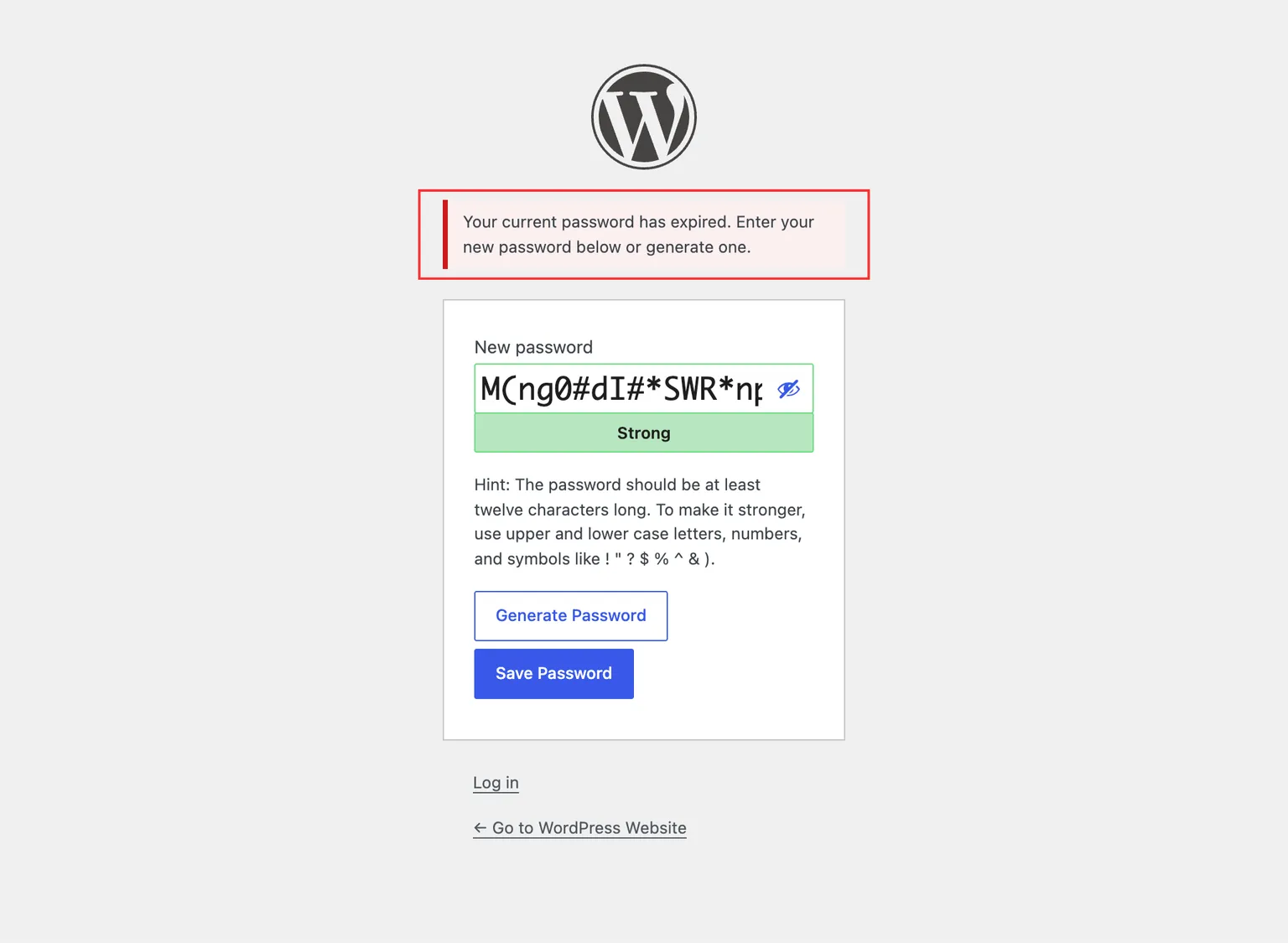
- Expired password — The password has exceeded the maximum age. The user is logged out and redirected to the password reset form with the message: “Your current password has expired.”
Enforcement During Sessions
While a user is logged in and interacting with the site (accessing the admin panel or browsing the frontend), the plugin periodically checks whether their password has expired. This check is cached for 1 hour to avoid performance impact.
If the password is found to be expired during a session, the user is logged out and redirected to the password reset form.
Enforcement on Password Change
When a user sets a new password — whether through the User Profile page, the password reset form, or the admin user editor — the plugin validates the new password against the active policy. If the new password does not meet the requirements, an error is displayed and the change is rejected. The error message includes the current password hint with all applicable requirements.
Enforcement on Registration
When a new user is created (through the admin or through self-registration), the plugin records the timestamp of the initial password. This ensures that age-based rules begin tracking from the moment the account is created.
Password Hint
The plugin replaces the default WordPress password hint with a dynamic hint that reflects the active policy’s requirements. This hint appears on the password reset form, and — where WordPress shows no hint of its own — on the user profile screens and on the Add New User screen (single sites only). See Password Hint for details.