Documentation / Require Current Password
Require Current Password
Overview
When the Require current password when changing password rule is enabled, users must provide their current password before they can set a new one on the WordPress User Profile page. This adds an extra layer of security by verifying that the person changing the password has knowledge of the existing one.
Enabling the Rule
- Navigate to Settings → Login Security.
- In the Enabled rules section, enable Require current password when changing password.
- Click Save all settings.
How It Works
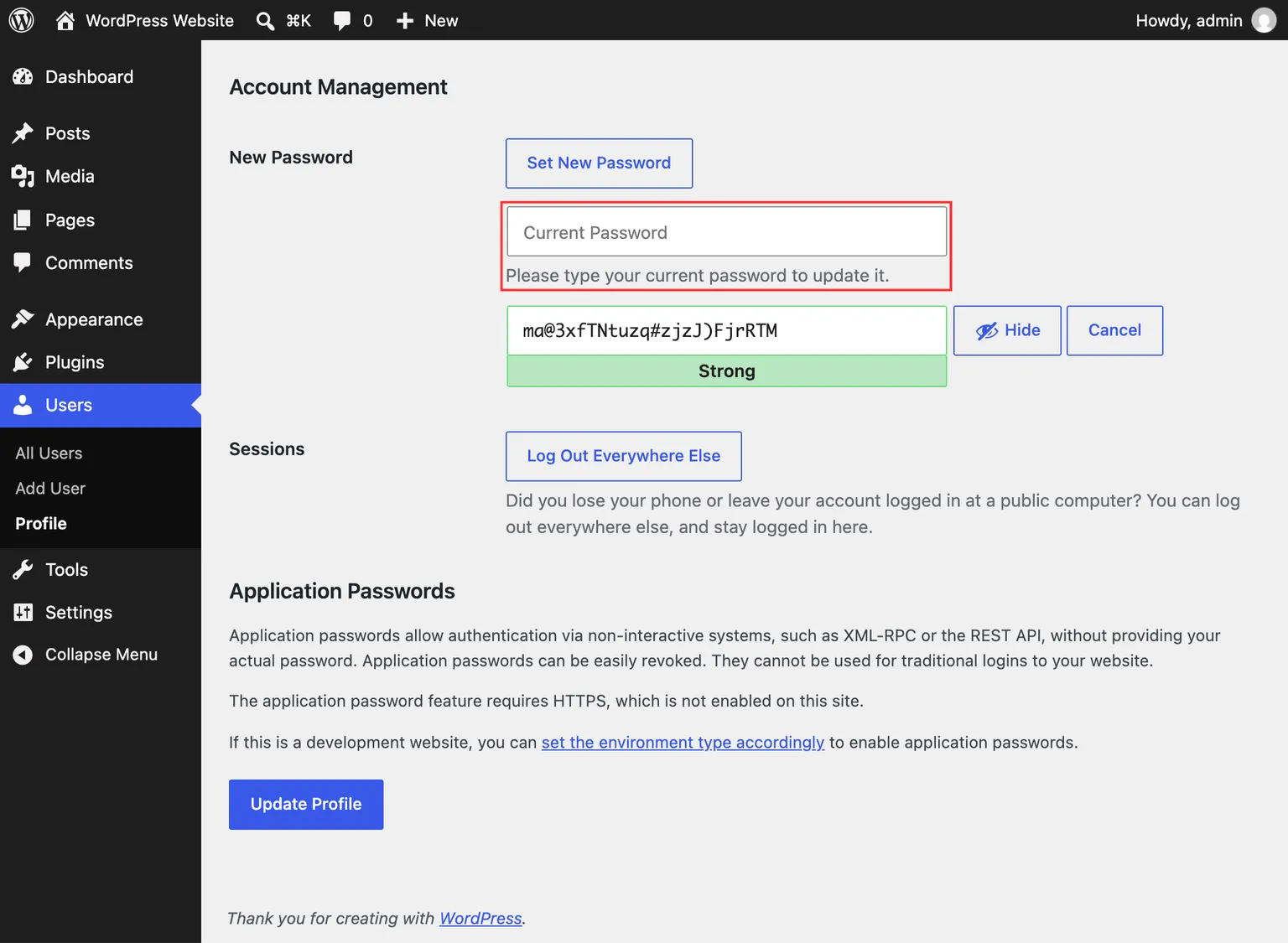
Once enabled, a Current Password field appears in the password section of the user’s profile page (Users → Profile). When a user enters a new password, they must also fill in their current password. The plugin compares the current password against the account’s stored password hash. If the current password is incorrect, an error message is displayed and the password change is rejected. This confirmation does not attempt a login, record a failed login, or reset the password’s age.
The field keeps its Current Password label visible while you type, and its help text explains that it is required when changing your password. You can save other profile changes without entering your current password.
This rule applies only to the WordPress User Profile screen. It does not apply to the password reset form (accessed via the “Lost your password?” link), since that flow uses a separate email-based verification.
Compatibility
If the Automattic VIP platform’s built-in current password verification is already active on your site, the plugin detects this and does not add a duplicate field.